How to Check OCR Invoice Numbers Before Indexing a PDF
Make a scanned invoice searchable, then verify the identifiers your filing system will use.
Download Advanced OCR FreeWindows installer · Download and setup details
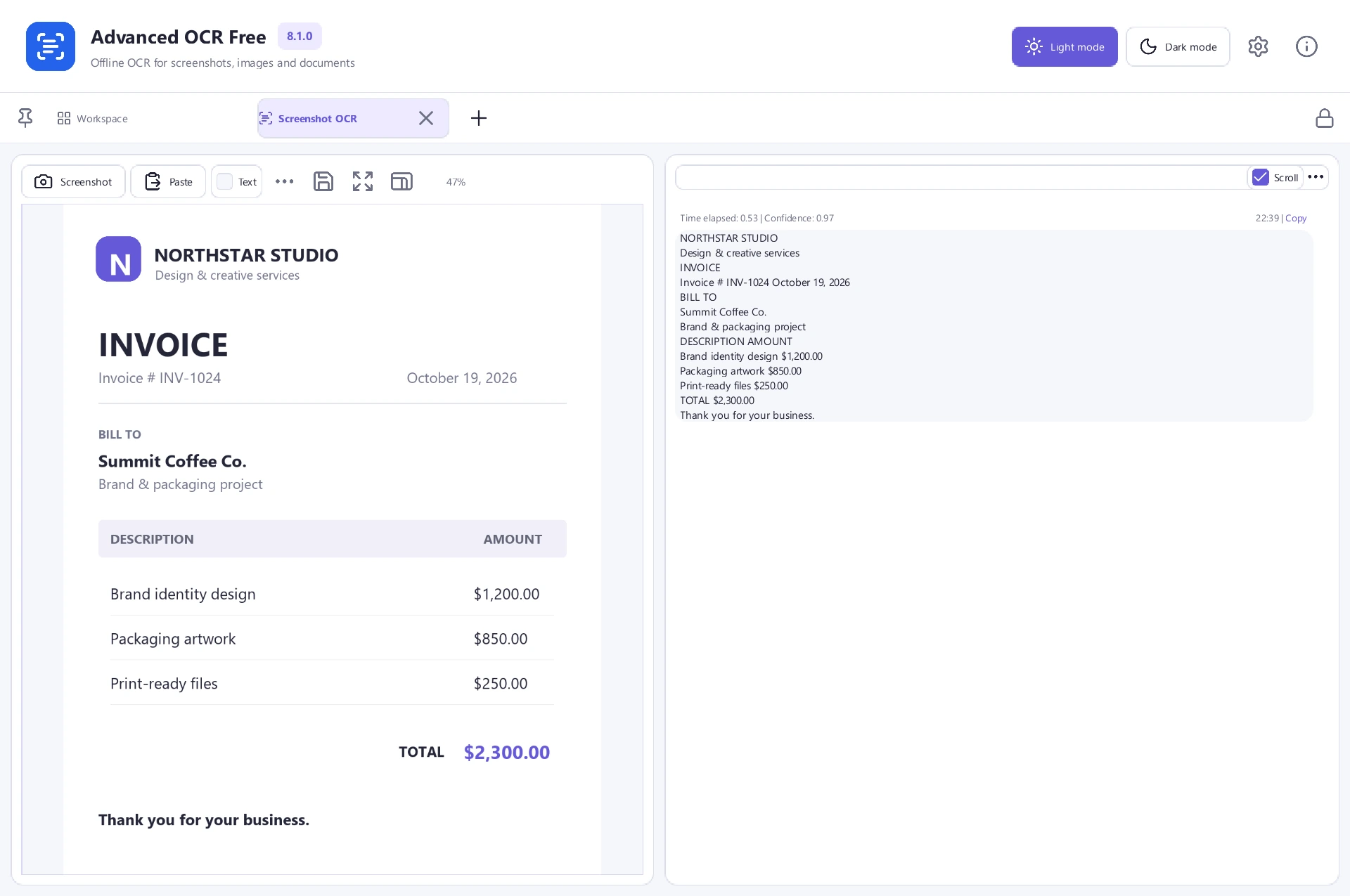
One wrong digit can hide an invoice
An accounts folder contains supplier invoices with codes such as INV-0108. A single misread character can send your search to the wrong invoice.
Search for the number you see on the page
- Keep the original scan and open it in Advanced OCR Free. Start with a page that shows a clear invoice number and use the recognition language of the document.
- Run OCR and save a separate searchable copy. Read the printed number from the page, then search for the full token in the new PDF.
- Check that the match points to the actual invoice identifier. Copy the recognized field into a plain-text editor to spot extra spaces, missed hyphens or substituted digits.
File a verified number when OCR misses it
If recognition fails on a particular invoice number, record the verified value separately in your filing system. Retain the source scan so you can check the document later.