How to Insert a Missing Page Into a PDF Packet
Put a separately saved page into the right position in an existing PDF before sending the complete packet.
Download Advanced PDF Utilities FreeWindows installer · Download and setup details
A signed form arrived after the packet was ready
Your signed form came back as a separate one-page PDF after you assembled the cover and supporting documents. It belongs immediately behind the cover.
Merge the form and move it behind the cover
- Keep the packet and insert as separate sources. Merge the two files into a working copy using Advanced PDF Utilities Free.
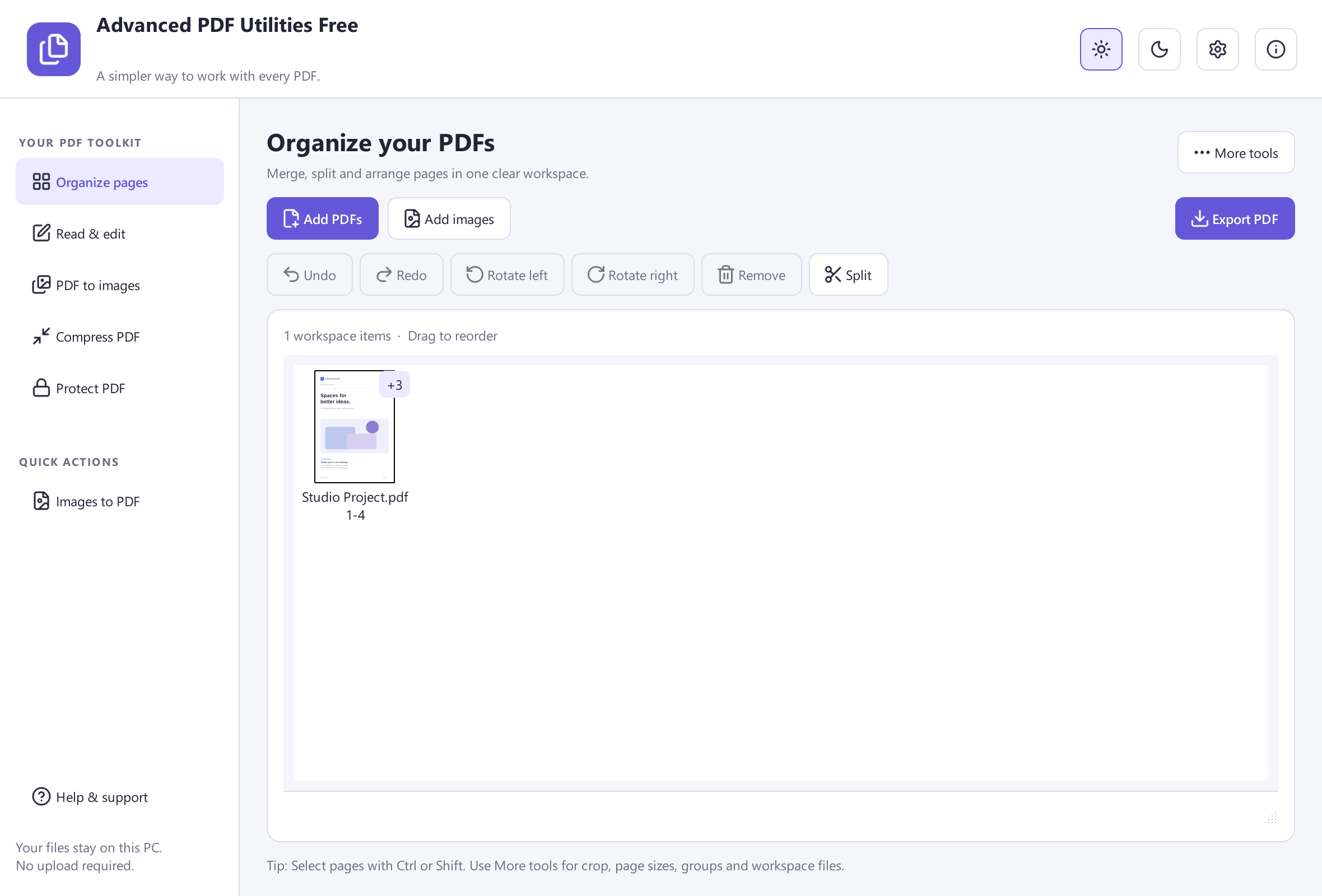
- Open Organize Pages for the merged copy. Identify the inserted document by thumbnail, then move it immediately behind the cover and save.
- Reopen the saved packet and read the page before and after the insertion. Confirm that only one copy of the signed form appears.
Count the pages and keep signed originals
Match the new page count to the sum of the two original documents. If you were given a digitally signed PDF, preserve that signed original and check signature requirements before assembling an edited packet.