How to Put Front and Back Photos Into One PDF
Keep each front and back together when you turn several pairs of photographs into one PDF.
Download Advanced JPG to PDF FreeWindows installer · Download and setup details
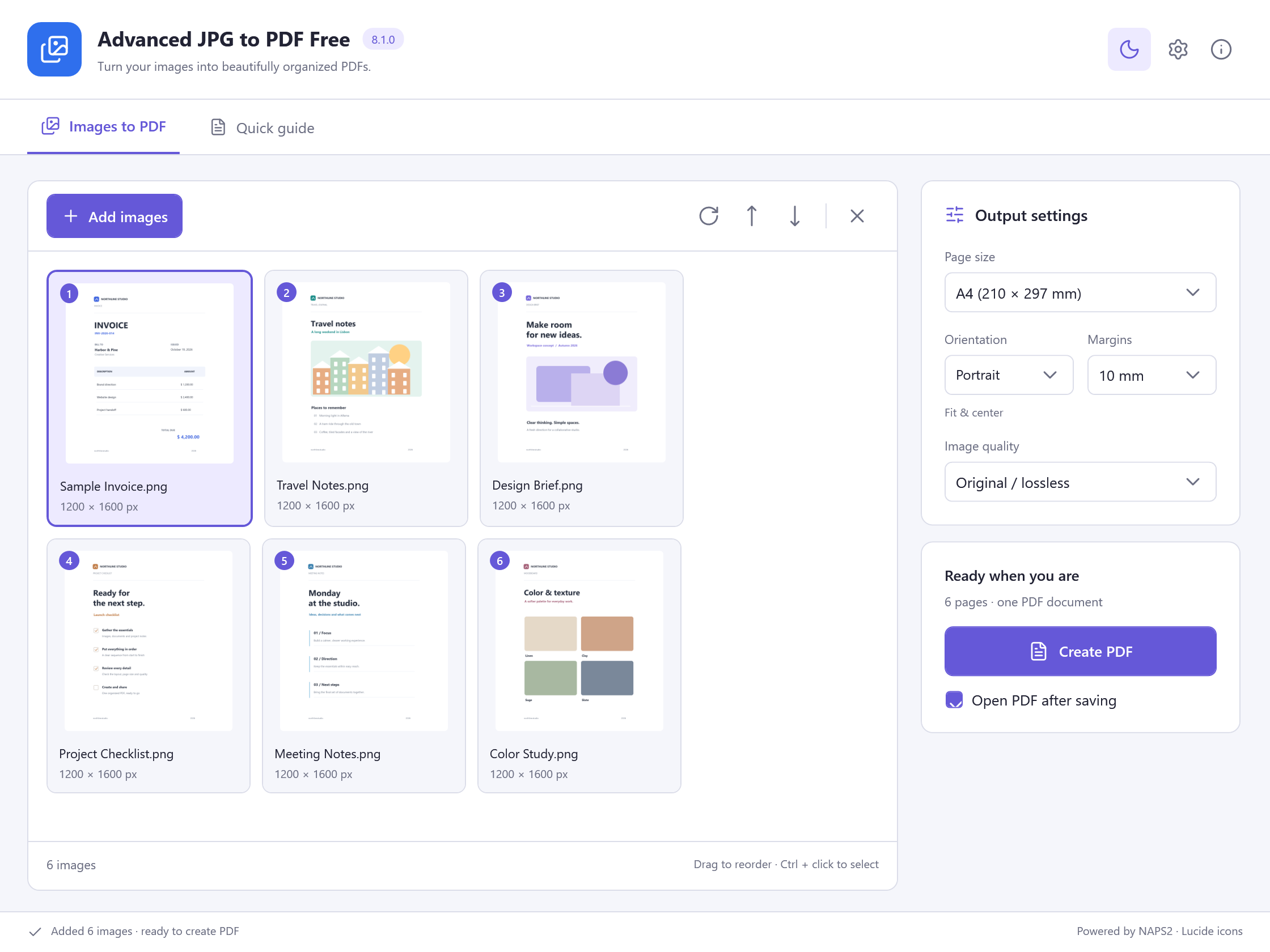
The camera saved both fronts first
You photographed the front and back of two permission slips. The camera sequence placed both fronts first and both backs afterward.
Put each back after its matching front
- In File Explorer, make a working copy of the four images. Name them 01-front, 02-back, 03-front and 04-back in the order you want.
- Add the four photos to Advanced JPG to PDF Free. Check the file list against the intended sequence and move each back directly after its matching front if the order differs.
- Export one PDF and open it. Verify the page count and flip through every page to confirm the sequence and orientation.
Check every pair in the exported PDF
If two sides look alike, compare a visible date or identifying detail against the source. Keep the original pictures until you have checked the four-page PDF.