How to Rotate One Sideways Page in a PDF
Save one misoriented page upright while keeping the surrounding pages as they are.
Download Advanced PDF Utilities FreeWindows installer · Download and setup details
Only page two opens sideways
Page 2 of a three-page scanned packet opens sideways. Pages 1 and 3 are upright and must stay that way.
Rotate just the selected page and save
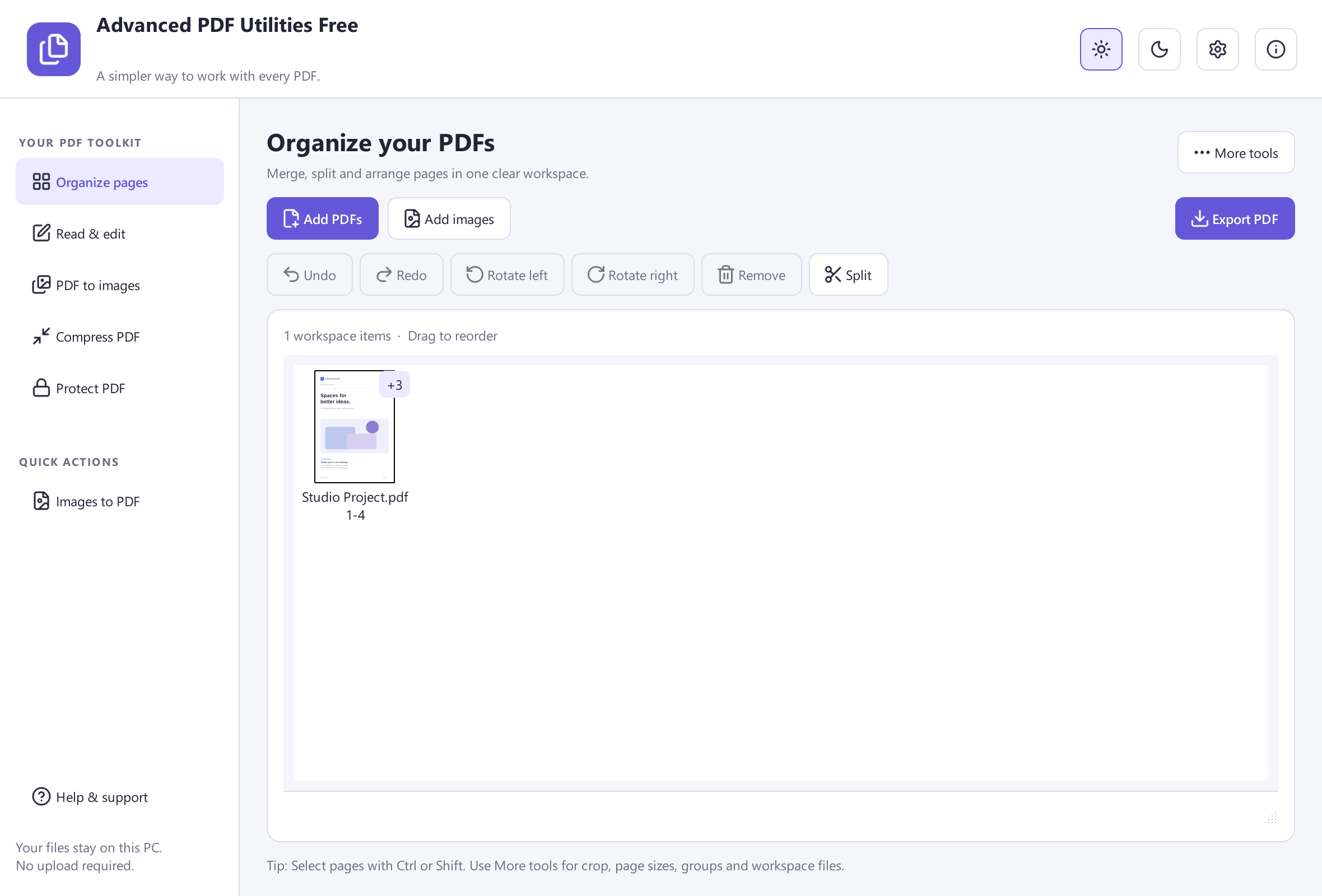
- Open the PDF in Advanced PDF Utilities Free and enter Organize Pages. Identify page 2 by both its number and its thumbnail.
- Select only the affected page. Apply the appropriate rotation through the page controls and inspect the new orientation before saving the document as a separate copy.
- Close the file and reopen the copy in your PDF viewer. Compare all three pages and look at the print preview if you need a paper output.
Reopen the file to confirm the rotation
If a rotation disappears when you reopen the file, check that you saved a page edit in the organizer. Many viewers can rotate the display temporarily.